









A golf simulator wants two things from its lights, and they pull in opposite directions. The screen wants the room dark, so the projected picture stays bright and sharp. You want to see the ball, the mat and the putting line, and a camera launch monitor wants light on the ball too. Here's where each light goes, which launch monitors need one, and how to keep the picture crisp while you do it.
Quick summary
- Light the mat and the ball, never the screen, because every light that reaches the screen competes with the projector and turns the blacks grey.
- A camera launch monitor beside the ball wants a steady light over the hitting area, and our simulator light is an LED spotlight on a 1m powered track for £175, or £195 for the Trackman version.
- Some launch monitors bring their own light: the Trackman iO listing says it needs no additional lighting, and ProTee says the same of the VX, which lights the play area with built-in infrared.
- Hang the lights above the hitting area or behind it, out of the swing and the ball flight, and aim them down at the mat rather than forwards.
- If the lights stay on while you play, the projector has to work harder: plan on 4,000 lumens or more for a lit bay, against 3,000 for a garage you can black out.
- A blackout layer behind the impact screen stops light shining through it, from £199, and blackout blinds do the same job for the windows.
Why does lighting matter in a golf simulator?
Because the screen and the golfer want opposite things. A projector makes its picture by shining light onto a white screen, and the darkest part of that picture can only be as dark as the screen looks with the projector showing black. Any other light that lands on the screen lifts those blacks to grey, flattens the colours and makes the fairway look like it's been left out in the sun.
The golfer needs light. You have to see the ball on the tee, the edge of the mat and the club at address, and in a pitch-black garage you're hitting by the glow of the screen. That's fine for a driver and hopeless for a short putt.
The launch monitor has a say as well. Camera units that sit beside the ball take pictures of it at impact, and a picture needs light. Camera systems are more sensitive to lighting quality than radar, which is why the hitting area is the one place in a simulator room that needs a proper light of its own.
Then there's the room itself. A dark room is a room where someone trips over the launch monitor on the way to the fridge, so the doorway and the seats need some light too, as long as none of it reaches the screen.
So a simulator room gets lit in 3 parts: a light on the ball and the mat, enough light at the back of the room to move around, and none at all on the screen.
What type of lighting is best for a golf simulator?
A directional LED spotlight over the hitting area, aimed down at the mat, plus dimmable lamps around the rest of the room that point away from the screen. The spotlight does the work. Everything else sets the mood and stops people walking into things.
| Light | Where it goes | Its job | Verdict |
|---|---|---|---|
| Spotlight on a track | Ceiling, above the line of the shot, level with the ball or just behind it | Lights the ball and the mat for you and the launch monitor | The main light in the bay |
| Recessed downlights | Ceiling at the back of the room | General light for the seats and the way in | Fine on a dimmer, never at the screen end |
| LED strip | Behind the enclosure frame, along the floor, under shelves | Soft background light and a path to the door | Good for atmosphere, in a channel where a ball can't reach it |
| Pendant or bare bulb | Hangs from the middle of the ceiling | Whatever it did before the simulator arrived | Take it down: it's in the swing and the ball flight |
| Fluorescent tube or LED batten | Across a garage ceiling | Floods the room from end to end | Too much light in too many directions for a projector |

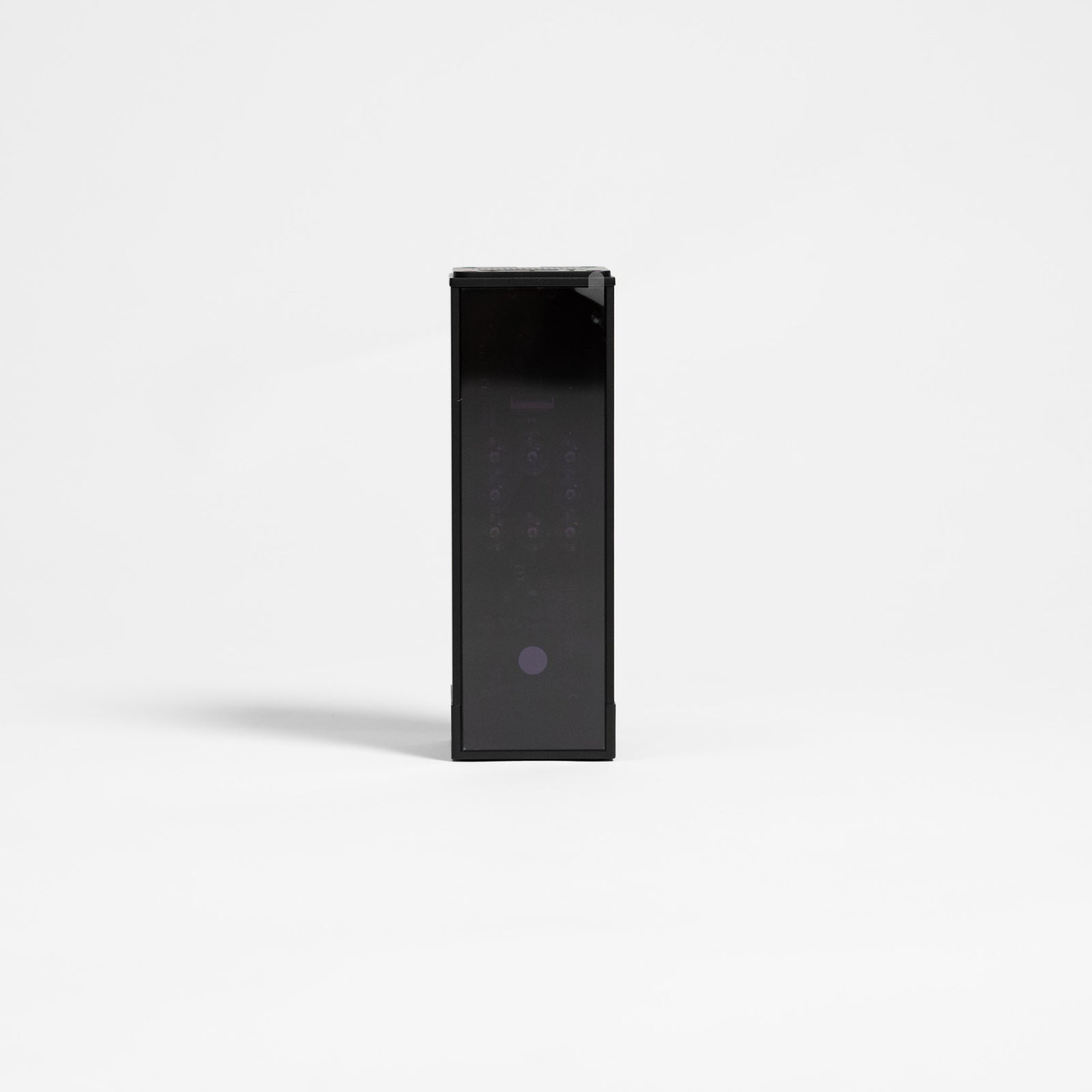
This is the light we sell for the hitting area. The GolfBays golf simulator light is a kit of 1 LED spotlight and a 1m powered mounting track, and its job is to light the ball well enough for the launch monitor to capture each shot. It's listed for SkyTrak, Uneekor and ProTee at £175, and there's a Trackman version of the light at £195. Both come in black or white, so the fitting can disappear into a dark ceiling or match a white one.
Why use LED lights?
LEDs run cool, come on at full brightness straight away, even in a cold garage in January, and last far longer than the bulbs they replace. They also come as small, directional spots, which is exactly what a hitting area needs.
Steady light for camera launch monitors
A camera launch monitor takes a rapid burst of pictures as the club meets the ball. If the light flickers, the brightness changes from one picture to the next, so a steady light over the ball matters more than a bright one.
Good LED fittings give a steady light. Tired fluorescent tubes and cheap LED drivers are where flicker comes from, and a high-speed camera sees flicker that your eyes never notice.
Light colour
A neutral white over the hitting area shows the ball, the mat and the putting line as they are. Warmer, softer light suits the back of the room, where nobody's trying to read a ball.
Where should lights go in a golf simulator?
Above the hitting area and behind it, aimed down at the mat. Never over the screen end, and never anywhere a ball can reach.

Hitting area light
The main light goes on the ceiling above the line of the shot, level with the ball or a little behind it, with the head tilted down so the pool of light lands on the tee and the mat around it. From there it lights the ball from above, the angle that throws the least shadow, and the beam never gets near the screen.
A track makes this easy, because the spot can be moved and angled once it's up, so you aim it with a ball on the tee rather than guessing where to drill before the bay is built.
Back of the room
Lights further back, over where the next player waits and the seats behind, fill in the room. Aimed down, or up at the ceiling, they light the back of the bay without throwing anything forwards onto the screen. These are the lights that go on a dimmer.
Screen end
The ceiling between the ball and the screen is where a light does the most damage. A downlight there spills straight onto the screen, and even one aimed straight down lights the floor in front of it, which a pale floor bounces back up onto the picture. If the room already has fittings there, take them out or have them disconnected.
The same goes for a lamp or a window behind the screen, which shines straight through the fabric and greys out the picture from behind.
Ball flight zone
A thinned iron or a wedge that pops straight up goes wherever it likes, and a light fitting between the mat and the screen is a target. Keep that stretch of ceiling clear of anything breakable, and put the spot above or behind the ball, out of the path the ball takes to the screen.
✓ Do this
A spot on the ceiling above the line of the shot, level with the ball or just behind it, aimed down so the pool of light sits on the tee and the mat.
✕ Not this
A downlight over the screen end, or a spot behind you aimed forwards, lighting the ball and the bottom of the screen at the same time.
How do you stop shadows on the ball?
Light the ball from above and along the line of the shot, not from the side you stand on. A light on your side of the ball has to shine past you to reach it, and at address your head and shoulders are right in the way, so the ball sits in your shadow at the exact moment you're looking at it.
From above the ball, or a little behind it on the line of the shot, nothing comes between the light and the ball. The ball throws a small shadow forwards onto the mat, towards the screen, which is where you want it: in front of the ball and away from you.
If a single spot leaves a hard shadow, add a second spot a little further along the line of the shot. Lit from 2 slightly different angles, the shadows soften each other and the ball sits in an even pool of light.
Watch the mat as well. A shiny mat or a glossy floor around it bounces the light back up, and a bright reflection beside the ball can throw a camera unit off. Matt turf and a spot aimed at the ball, rather than the floor around it, keep the glare down.
GolfBays tip
Before you fix the track, tee up a ball, switch the projector on and stand at address. If you can see your own shadow on the ball, or the pool of light touches the bottom of the screen, move the spot. It's a job for a stepladder and a helper, and it saves drilling the ceiling twice.
Which launch monitors need extra lighting?
Camera units that sit beside the ball do best with a light over the hitting area. Ceiling units with their own infrared don't need one for their readings, and radar-only units don't read the ball with light at all. This is what the makers and our listings say.
| Launch monitor | How it reads the ball | Lighting it needs |
|---|---|---|
| Original SkyTrak | High-speed cameras beside the ball | Keep direct sun out of the lens; our simulator light is listed for it |
| Uneekor camera units | High-speed cameras | Our simulator light is listed for Uneekor |
| ProTee VX | Ceiling-mounted cameras with built-in infrared | None for its readings: it lights the play area itself |
| Trackman iO | Ceiling-mounted radar, infrared and high-speed imaging | None: its listing says no additional lighting is needed |
| Radar-only units behind the ball | Radar tracks the ball in flight | None for the radar, which reads the ball without light |
Camera units beside the ball
Camera units sit beside the ball and photograph it at impact with high-speed cameras, then work out the flight from those pictures. They suit a garage, because they need no room behind you, and they're the ones that care most about light.
SkyTrak's own setup tips warn that direct sun into the unit's lens can upset shot capture. Indoors, treat a spotlight the same way: light the ball from above and keep every bulb out of the camera's line of sight.

The original SkyTrak is £495 with a year of SkyTrak Core, and it's a camera unit through and through: it photographs the ball from its spot beside the mat. Our simulator light is listed for SkyTrak, so it's the light we'd hang over this one's hitting area.
Ceiling units with built-in infrared
Trackman iO and ProTee VX look down on the ball from above the hitting area and bring their own light: infrared, which the golfer can't see and which doesn't show up in the projected picture.

The Trackman iO Home reads the shot from the ceiling, using radar alongside infrared and high-speed imaging, and its listing says it needs no additional lighting. It's £12,594, and it leaves the floor clear.

The ProTee VX is the same idea for £6,240: ceiling-mounted, with dual high-speed cameras. ProTee's support centre says it needs no additional lighting, because it lights the play area with its own built-in infrared.
That doesn't mean the room can go pitch black. The launch monitor sees the ball in the dark, and you don't. With a ceiling unit, the hitting-area light is for your eyes, your putting and your guests. It still hangs above the line of the shot, beside the launch monitor rather than in front of its view of the ball.
Radar units behind the ball
Radar units sit behind you and track the ball in flight with radio waves, so the room's light doesn't come into their readings. What they need is depth: about 5m of room, so the radar gets enough flight to read before the ball reaches the screen.
Some units pair the radar with a camera, and those want the same care as any camera: nothing bright shining into the lens.
Not sure where the lights should go?
Tell us the room's measurements and your launch monitor on a video call, and we'll plan where the light, the projector and the screen should go. It's free.
Book a free consultationWhat washes out a golf simulator screen?
Any light that lands on the screen and isn't the projector's. In a home bay, these are the 4 places to look.
- A light over the screen end: downlights, battens or a pendant between the ball and the screen light it directly, and it's usually the ceiling light the room came with.
- Daylight: a window beside the screen, a glazed door or the gap round a garage door puts daylight across the picture, and it changes with the weather, so the picture looks different every afternoon.
- Light behind the screen: an impact screen is fabric, and light behind it shines through. Some of the projector's own light goes the other way, through the screen to the wall behind, where it does nothing for the picture.
- Pale walls and ceiling: light from the projector that misses the screen hits the surrounding walls, and a white wall bounces it back onto the picture.
The first 3 are about where light comes from. The last is about what it lands on, which is why the screen end of a simulator room is dark and matt: black, charcoal, dark grey or navy, on the walls and the ceiling above it.

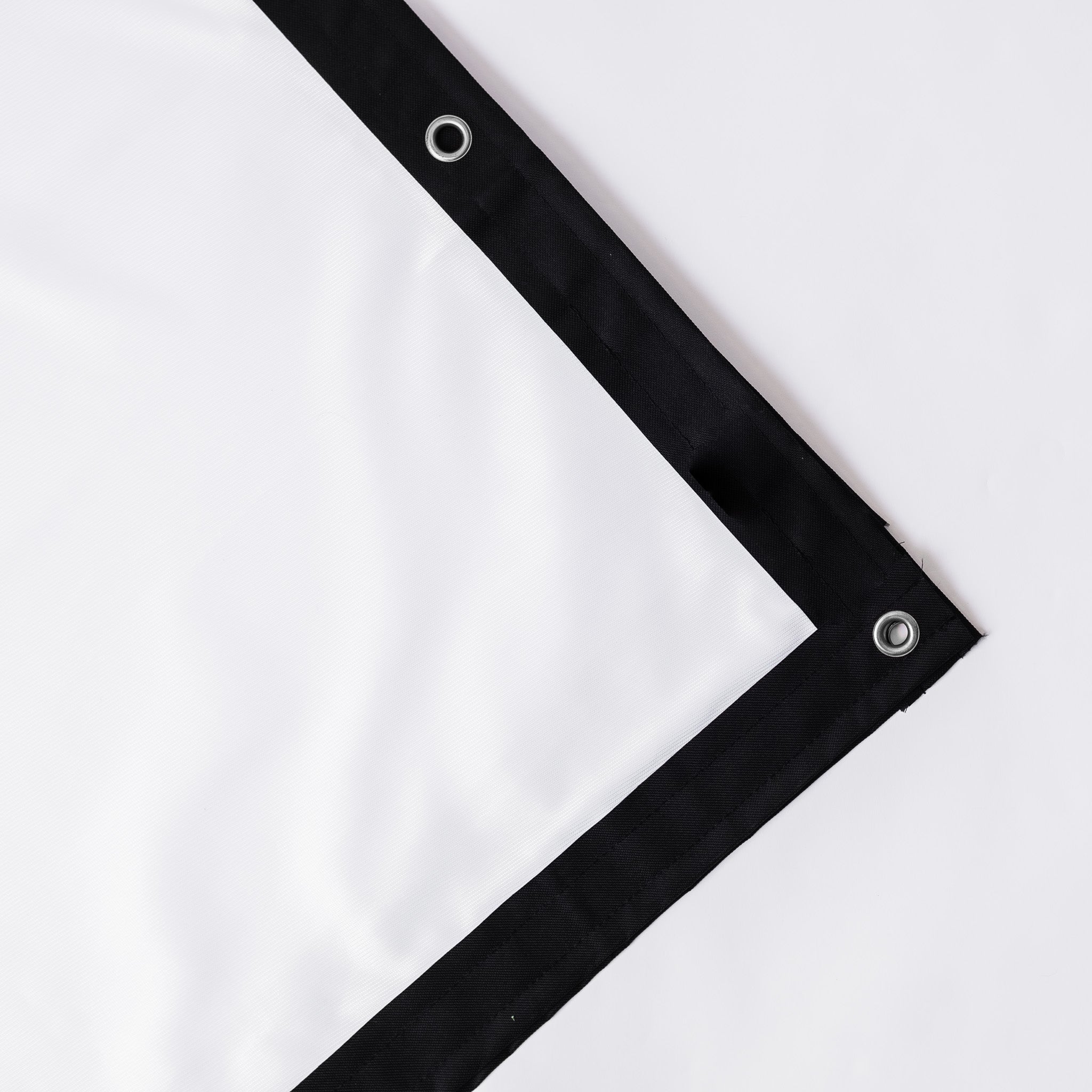
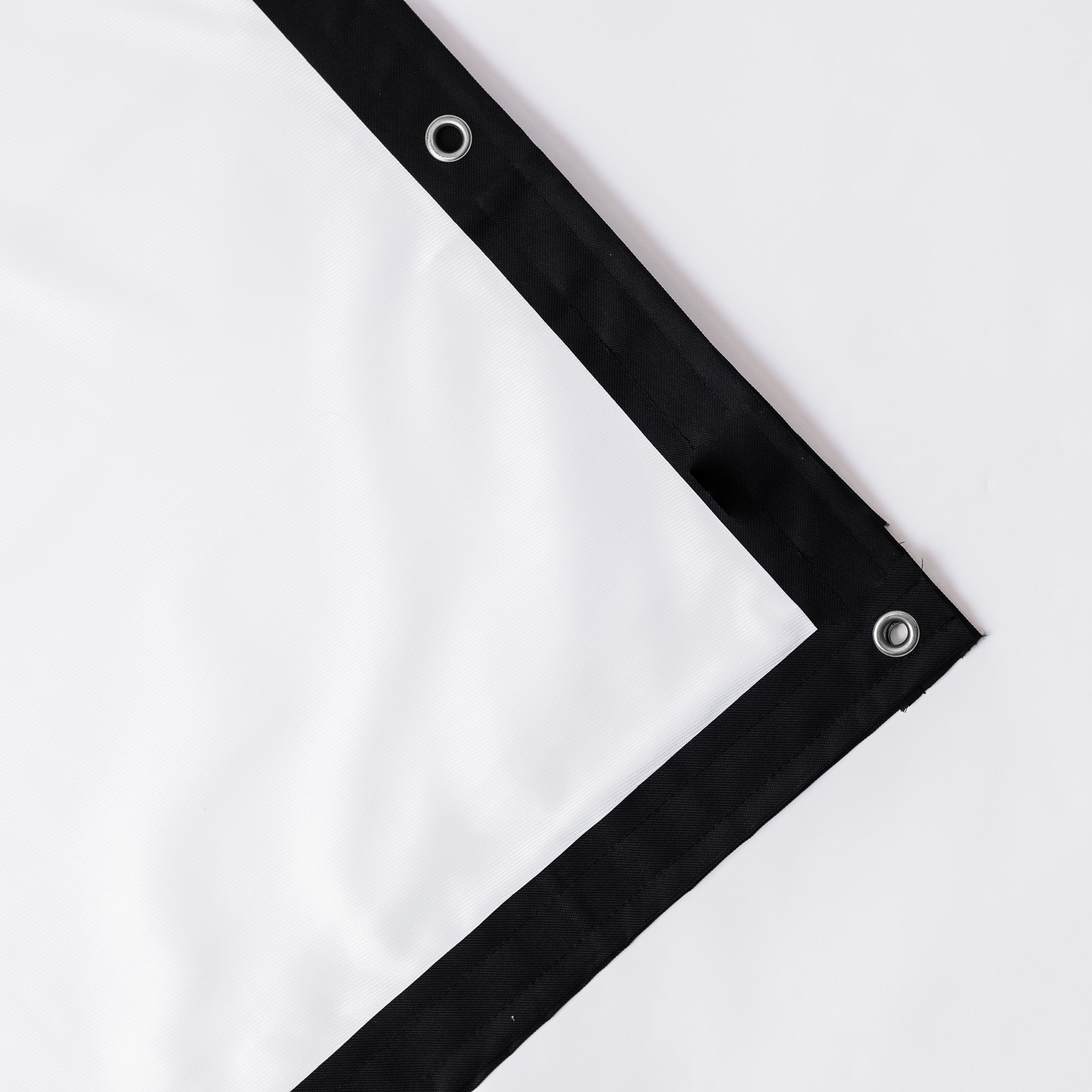
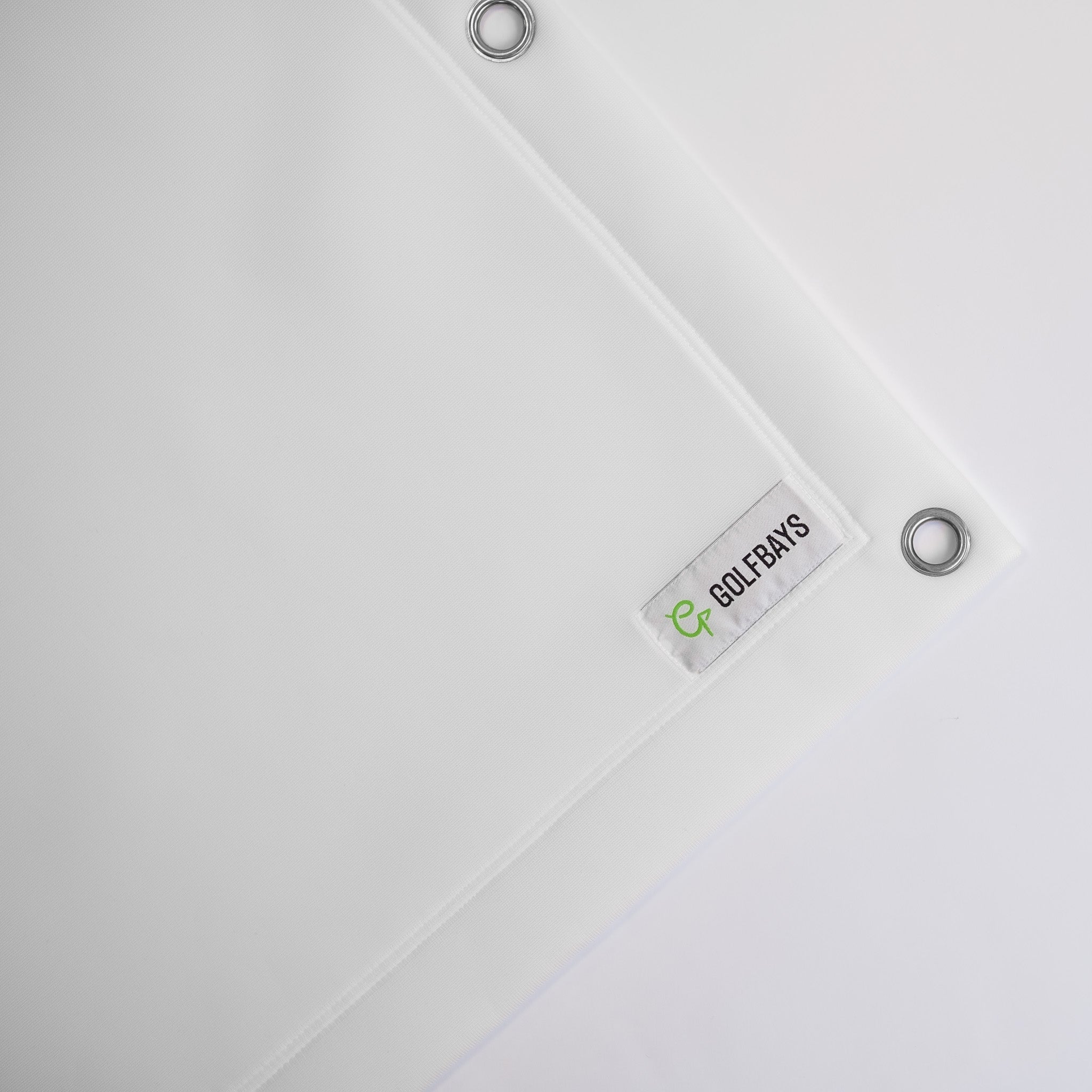
For the back of the screen, the fix is a layer that light can't get through. Our enclosure blackout screen is an opaque sheet that hooks on behind the impact screen by its eyelets, so the projector's light stays on the picture instead of lighting the wall. It comes in 7 sizes, from 2.6m x 2.5m at £199 to 4m x 3m at £319.
How do you black out a golf simulator room?
Start with the daylight, because it's the light you can't switch off: the windows first, then the doors, then the sides of the bay.
Windows
A window beside or behind the hitting area needs a blackout blind or blackout-lined curtains. Buy blackout rather than room-darkening, which still lets light through. A blind that runs in side channels, or curtains on a ceiling-fixed track that overlap the frame, stops the bright line round the edges.
If you only ever play after dark, a window on the side wall behind you can stay as it is. A window anywhere near the screen can't.
Garage doors
An up-and-over door leaks light round every edge, and a roller door lets it in along its sides. A curtain across the inside of the door takes care of both, and it draws back on the day the car has to go back in.
Glazed doors
Garden rooms often have their biggest window in the door, and where the door sits matters. A glazed door behind the golfer puts daylight straight down the room and onto the screen, so it needs blinds made for the door, or a curtain across it on a ceiling-fixed track.
The sides of the bay
If the room is wider than the enclosure, the space either side is where stray light and clutter get in. Black curtains down the sides close the bay off, soak up light rather than reflecting it, and hide the shelves.

Our heavy duty golf simulator curtains come in black or grey and are made to your chosen size, with drops between 2.3m and 3.2m and widths between 1.3m and 3.8m, from £239.20. They take 5 to 7 days to arrive.
Watch out: sun on a camera unit
Low winter sun through a garage door or a window can shine straight across the mat into a camera unit's lens, and SkyTrak says direct sun into the lens upsets shot capture. If the readings go strange at the same time every afternoon, suspect the sun before the launch monitor: close the blind and hit a few more before you blame the software.
Do you need dimmers in a golf simulator?
Yes, for everything except the light over the ball. A simulator room gets used for different things, and each one wants a different amount of light.
Playing: the hitting-area spot on, the back of the room turned low, nothing at the screen end.
Hosting: the back of the room up enough to find a drink and a seat, and the spot still on for whoever's up.
Setting up: everything on full, so you can see the cables, the screen and the projector alignment.
The dimmer has to match the lamps. Not every LED lamp dims, and a dimmer made for old filament bulbs can make LEDs flicker or buzz, so buy lamps marked dimmable and a dimmer rated for LEDs.
Smart bulbs and switches do the same job from your phone, and they let you save each setting and call it up with one tap, which beats fiddling with dials between shots.
GolfBays tip
Put the hitting-area light on its own switch, separate from the rest of the room. Then the room can go dark for a round without the ball going dark with it, and nobody has to remember which dial does what.
Ambient lighting for the rest of the room
The screen end stays dark and the hitting area gets its spot. Behind the golfer, the lounge end can take whatever lighting suits the seats, the bar and the rest of the room, as long as none of it points forwards at the screen.
LED strip is the easy way to do it. A strip on the back of the enclosure frame, facing the wall, gives the bay a soft glow round its edge without any of it reaching the front of the screen. Strip along the skirting lights the way to the door, and strip under a shelf or a counter at the back lights the drinks.
Strip in a simulator comes with 2 rules. Mount it in an aluminium channel anywhere a ball could reach it, because a ball that finds a bare strip wins. And keep coloured light away from the screen end, where any that reaches the screen tints the picture.
Light the doorway too. The launch monitor, the edge of the mat and the bucket of balls are all trip hazards in a dim room, and a low light by the door costs a lot less than a new launch monitor.
Wall lights at the back of the room work well aimed up at the ceiling. The ceiling spreads the light softly over the seats, and nothing points at the screen.
What should you put on the ceiling of a golf simulator?
Dark matt paint over the screen end, flush fittings everywhere else, and nothing that hangs into the swing or the ball flight.
Paint. A white ceiling above the screen end reflects spilled projector light back onto the picture. Paint it the same dark matt colour as the walls around the screen, from the screen back to about where the ball sits. Matt matters as much as dark, because a satin or gloss finish reflects the projector like a mirror.
Fittings. Pendants, bare bulbs on a flex and hanging battens come down. Every centimetre a fitting hangs below the ceiling comes off the height you swing in, and with about 2.8m needed for a full driver swing, a low ceiling has none to spare.
The spot, over the ball rather than over you. Hang it above the line of the shot, not above where you stand. At the top of the backswing and in the finish, the club is up above you, not above the ball, so a spot on the ball's side stays out of its way, and its light reaches the ball without passing you.
The projector. It goes on the ceiling above the ball flight, far enough forward that your shadow can't reach the picture, or in a floor case where the ceiling is too low to hang it.
A ceiling launch monitor. Trackman iO and ProTee VX mount above the hitting area, so plan the spot around them, beside the unit rather than in front of it.
Watch out: fittings in the ball flight
Move or remove any light between the mat and the screen before the enclosure goes up. Once the frame and the screen are in, that fitting is inside the bay, harder to reach with a ladder, and first in line for a skied wedge.
How bright should the projector be if the lights stay on?
Brighter than you'd think, because every other light in the room competes with it. How bright depends on how dark you can make the room, and choosing a golf simulator projector for a garage with the lights on is a different job from choosing one for a blacked-out bay.
| Your room | Brightness to aim for |
|---|---|
| Blacked out while you play | 3,000 lumens or more |
| Lights on while you play, or some daylight | 4,000 lumens or more |
| A bright room, or a commercial bay | 5,000 to 6,000 lumens |
Brightness only goes so far. A brighter projector lifts the picture over the room light, but it can't make a lit screen look as good as a dark one, so the lighting plan and the projector are one decision, not two.

For a room you can darken, the Optoma GT2200HDR is our £899 full HD short throw, at 3,300 lumens, and its listing says the picture stays clear and easy to read even with the room lights on. It needs only a little over a metre to throw a 100-inch picture.

For a bay where the lights stay up, the BenQ AK700ST is a 4K projector BenQ built for golf simulators, with 4,000 lumens from a laser light source, and its listing says it's built for vivid visuals in ambient light or low-light hitting bays. It's £2,374.
Garage, spare room, garden room and loft lighting
The rules are the same in every room. What changes is what the room starts with.
Garage
Turning a garage into a golf simulator usually starts with the light already on the ceiling: a batten or a fluorescent tube down the middle, right over where the ball flight goes. Take it out, or move it back over the lounge end, and put the spot over the mat.
The rest of a garage is daylight round the door and bare, pale walls. A curtain inside the door deals with the first, and dark paint or black acoustic tiles round the screen end deal with the second.
Spare room
A spare room comes with a central ceiling light, usually a pendant, usually right where the swing goes. Replace it with a flush fitting towards the back of the room and add the spot over the mat.
The window is the other job. Blackout-lined curtains are the easy fix if the room still has to work as a bedroom when the in-laws stay.
Garden room or cabin
A garden room usually has plenty of glass, with glazed doors and often more windows besides. Plan the blinds with the building rather than after it, and put the screen on a solid wall, so there's no glass behind it.
Because a garden room is wired from new, it's also a chance to get the lighting right first time, with the spot over the mat and the room lights on separate switches from day one.
Loft
A loft has sloping ceilings and roof windows, and both change the plan. Roof windows let light in from above, straight down onto the screen or the mat, so they need blackout blinds made for them. The slope decides where the spot can hang: under the highest part of the ceiling, over the mat, which is where the bay has to go anyway if you want to swing a driver.
Do you need an electrician to fit simulator lights?
For a new lighting circuit, a registered electrician is the best route, because that work has to be certified. A lamp that plugs into an existing socket needs no electrician at all.
Any electrical work in your home, garage or garden building in England and Wales has to meet the building regulations, and some of it is notifiable. The Planning Portal lists a complete new circuit, such as a new lighting circuit, and a new consumer unit as notifiable jobs. Adding a light to an existing circuit isn't notifiable unless it's in a special location. In England, that means the space around a bath or shower, and in Wales, special locations include kitchens and outdoors.
Notifiable work has to be done by an electrician who belongs to a competent person scheme and can certify the work, or be notified before it starts to building control, or in England to a registered third-party certifier, who then inspects and certifies it. All of it, notifiable or not, should follow the wiring regulations, BS 7671.
In practice, a garden room wired from new means a new circuit, so it's notifiable. In England, a spot added to the garage's existing lighting circuit isn't, because the only special locations there are the spaces around baths and showers.
What does golf simulator lighting cost?
Much less than the rest of the bay. For a 3m-wide bay with a camera unit, the 2 parts we'd buy first are the light and a blackout layer for the screen.
Dimmable lamps, a dimmer and blinds for the rest of the room are standard household parts from your electrician or a DIY shop. If the walls round the screen need to go dark, a tin of dark matt paint does the job.
How do you set up golf simulator lighting?
In this order, because each step changes what the next one needs.
1. Black out the daylight. Blinds, curtains and the garage door come first, because you can't judge any light while the sun's still on the screen.
2. Clear the screen end. Take down or disconnect any light between the hitting area and the screen, and paint the walls and the ceiling round the screen dark and matt.
3. Hang the blackout layer. It goes behind the impact screen on its eyelets, so nothing shines through from behind.
4. Fit the spot over the hitting area. Check the position from address first, then fix the track above the line of the shot, level with the ball or just behind it, clear of the swing and the ball flight.
5. Aim it with the projector on. Angle the head until the ball sits in an even pool of light with no shadow on it, and none of the light reaches the screen.
6. Test the launch monitor. Hit a few shots with every club and watch for misreads. If your launch monitor has a calibration step, run it with the lights set the way you'll play.
7. Add the rest of the room. Dimmable lamps at the back, strip behind the frame and a light by the door.
Common golf simulator lighting mistakes
- Keeping the light the room came with: it's usually in the middle of the ceiling, which puts it over the ball flight and too close to the screen.
- Lighting the screen to see the ball: a spot aimed forwards from behind you reaches the ball and the screen, and the picture pays for it.
- One big light instead of the right small one: brightness everywhere is the problem, not the fix.
- A bare LED strip where a ball can reach it: put it in a channel or on the back of the frame.
- Blaming the launch monitor for the sun: misreads that come and go with the time of day are worth checking against the light before anything else.
- Forgetting the doorway: a dark room with a launch monitor on the floor is a trip waiting to happen.
Golf simulator lighting FAQs
What is the best pin spot light for a golf simulator?
An LED spot on a track, mounted above the line of the shot and aimed down at the ball. Ours is an LED spotlight on a 1m powered track at £175, or £195 for the Trackman version. Where the light lands matters more than how bright it is, because the aim is a pool of light on the tee, not a lit room.
Should a golf simulator room be completely dark?
No. The screen end should be as dark as you can make it, but you need light on the ball and the mat, and enough at the back of the room to move around safely. Dark where the picture is, lit where you are.
Does lighting affect launch monitor accuracy?
It can, with a camera unit. Units that photograph the ball want a steady light on it and nothing bright shining into their lenses, and SkyTrak warns about direct sun on the lens. Ceiling units with their own infrared, like Trackman iO and ProTee VX, need no extra light, and radar-only units read the ball without it.
Is a projector better than a TV for a golf simulator?
For hitting into, yes, because you can't hit a ball at a TV. A projector puts the picture on the impact screen in front of you. A TV works beside a net in a practice setup, and it copes with room light better than a projected picture does, which suits a room you can't darken.
Do you need a 4K projector for a golf simulator?
Not for the lighting's sake. In a room with the lights on, brightness matters more than resolution, so a brighter full HD projector beats a dimmer 4K one in a room that can't go dark. 4K earns its price on a big screen with a PC that can drive it.
Is there a cheaper alternative to Trackman?
Yes, at every price. The ProTee VX is a ceiling unit with its own infrared lighting for £6,240, against £12,594 for the Trackman iO Home. A camera unit beside the ball costs less again: the original SkyTrak is £495, although that one wants a light over the hitting area.
Can you use LED strip lights in a golf simulator?
Yes: behind the enclosure frame facing the wall, along the floor and at the lounge end. Keep strip off the front of the frame, where it would light the screen, and in aluminium channels anywhere a ball could hit it.
What colour should a golf simulator room be?
Dark and matt around the screen: black, charcoal, dark grey or navy on the walls and on the ceiling above the screen end. Pale colours bounce projector light back onto the picture. The lounge end can be any colour you like.
How many lights does a golf simulator need?
One spot over the hitting area to start with, plus whatever the back of the room needs to be usable. Add a second spot if the ball shows a hard shadow, and a light by the door. Anything beyond that is about the look of the room rather than the golf.
Can you play a golf simulator in daylight?
Yes, if the daylight stays off the screen and out of the launch monitor's lens. Black out the windows and doors that face the screen or the mat, and choose a brighter projector if you can't. Daylight that shifts through the afternoon is harder to live with than a room light you control.
Light the ball, not the screen
Our simulator lights, the enclosure blackout screen and our simulator curtains are all in the enclosure upgrades range.
See enclosure upgrades